Ecommerce SEO Audit Guide 2026: How to Audit Thousands of Product Pages Fast
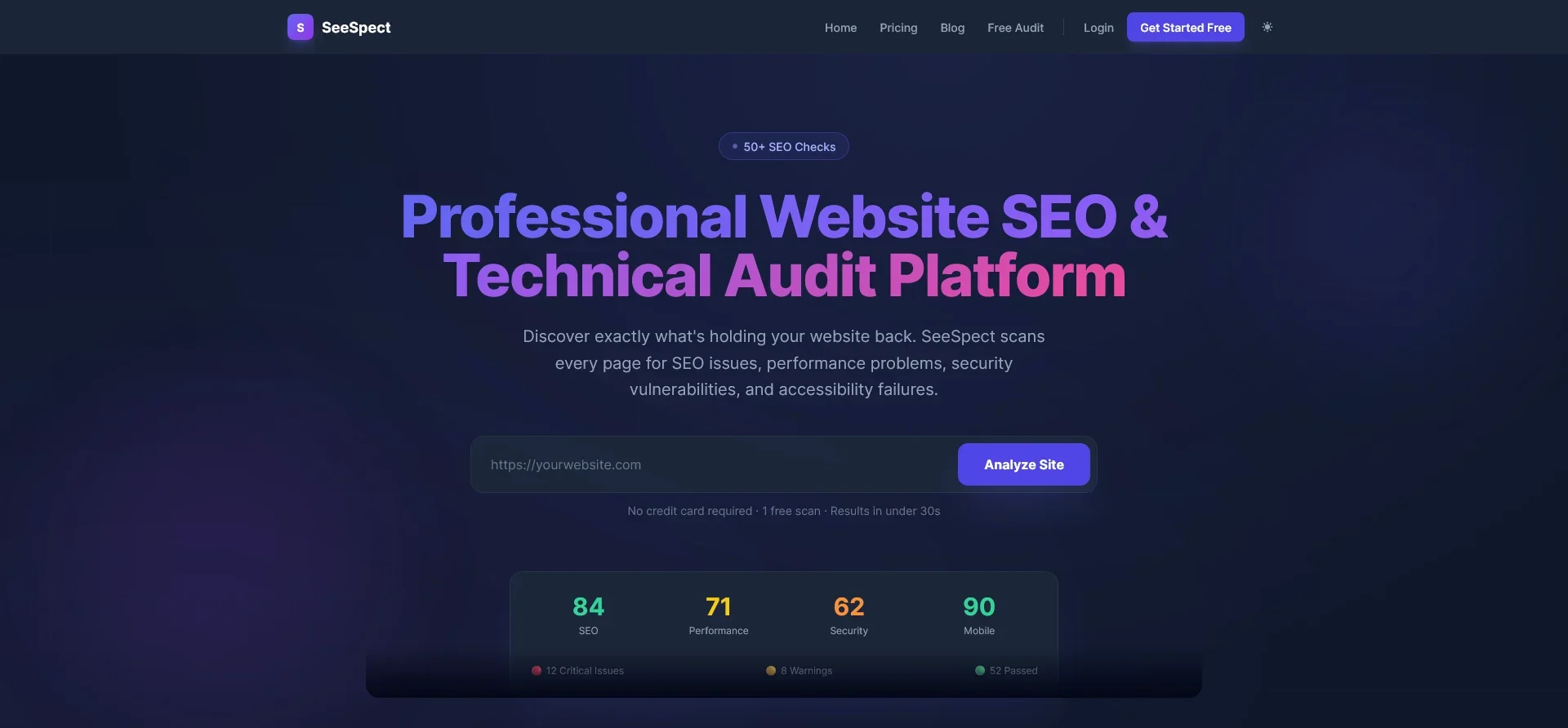
An ecommerce SEO audit requires analyzing thousands of product URLs, faceted navigation parameters, canonical tags, and structured data schemas simultaneously. Standard site crawlers often choke on massive ecommerce catalogs or miss critical indexation leaks caused by sorting filters and out-of-stock variations. To perform an effective ecommerce SEO audit, you need automated URL discovery, systematic filter rules, real-time schema validation, and instant technical score tracking across your entire product inventory.
In this article
- What makes an ecommerce SEO audit different from a standard audit?
- How do you find your SEO baseline for a large ecommerce store?
- How do you audit faceted navigation and duplicate product content?
- How do you verify product schema markup and structured data at scale?
- Comparing manual audit methods vs automated ecommerce SEO audit tools
- How do you audit image alt tags and product page load speed?
- Frequently Asked Questions
What makes an ecommerce SEO audit different from a standard audit?
Unlike standard content websites with static pages and simple blog hierarchies, online stores feature dynamic URL structures, parameter-based filtering, inventory turnover, and thousands of near-duplicate product pages. When evaluating ecommerce SEO audit services or performing a self-directed audit, traditional site checks fall short because they fail to account for the unique architectural challenges of online retail.
Here are the key technical challenges specific to an ecommerce site audit:
- Parameter Bloat and Faceted Navigation: Color, size, brand, and sorting parameters can generate millions of crawlable URLs for just a few hundred actual products.
- Canonical Tag Conflicts: Product pages accessible via multiple categories (e.g.,
/shoes/running/shoe-avs/sale/shoe-a) frequently suffer from missing or mismatched canonical directives. - Out-of-Stock Inventory Handling: Expired or temporary out-of-stock pages often return 404 errors instead of proper 200 statuses with updated schema or 301 redirects to parent category pages.
- Thin and Duplicate Product Descriptions: Manufacturer-supplied descriptions shared across hundreds of competing retailers reduce unique content value.

How do you find your SEO baseline for a large ecommerce store?
Before implementing technical fixes, establishing your initial SEO baseline is essential. Knowing your starting baseline score allows you to measure improvements in crawl efficiency, indexation ratio, and Core Web Vitals over time. For a deeper breakdown of general site health checks, read our complete technical SEO audit guide for 2026.
To establish an accurate baseline for your store, follow these fundamental steps:
- Calculate Your Indexation Ratio: Compare total indexed URLs in Search Console against the total valid URLs listed in your primary sitemap file. You can verify your sitemap formatting using the SeeSpect Sitemap Checker.
- Audit Your Robots.txt Directives: Ensure internal search result pages, cart pages, and admin parameters are properly disallowed. Verify your configuration with the SeeSpect Robots Checker.
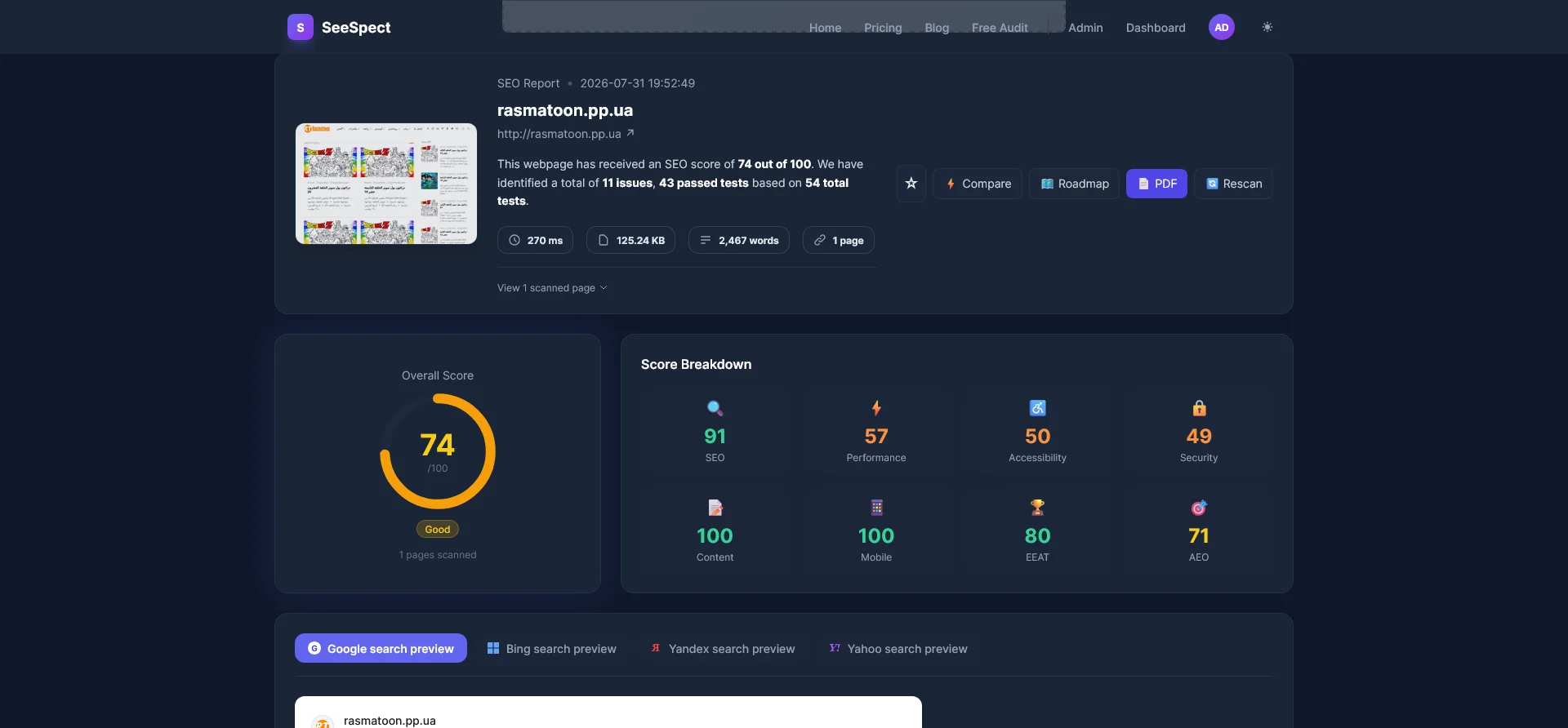
- Review Overall Site Health Score: Run a full automated crawl to flag HTTP errors, broken internal links, missing H1 tags, and missing meta descriptions across every active product page.

Scan every page of your online store for SEO errors, performance bottlenecks, security flaws, and accessibility gaps instantly.
How do you audit faceted navigation and duplicate product content?
Faceted navigation allows users to filter products by price, material, size, and rating. However, without strict technical controls, dynamic filter combinations consume search engine crawl budget on duplicate pages. Official guidelines from Google Search Central recommend consolidating faceted URLs through self-referential canonicals, strategic noindex tags, or AJAX-based filtering without URL mutations.
To audit faceted navigation effectively:
- Check Canonical Tag Implementation: Verify that every variant page specifies the master product URL as its canonical source. Test individual URLs using the SeeSpect Canonical Checker.
- Inspect Title and H1 Tag Uniqueness: Ensure category pages do not generate identical title tags across paginated sequences. Audit heading structures with the SeeSpect H1 Checker and title elements with the SeeSpect Title Checker.
- Identify Near-Duplicate Product Descriptions: Flag items that share identical text snippets across multiple color or size variants.
How do you verify product schema markup and structured data at scale?
Product schema markup is essential for acquiring rich snippets in search results, including star ratings, pricing, availability, and product identifiers (GTIN, MPN, ISBN). Missing or invalid structured data fields prevent search engines from displaying rich snippets, reducing click-through rates for high-intent shopping queries.
When auditing ecommerce schema markup, ensure the following fields are present and error-free:
@type: Productname,image, anddescriptionofferswithprice,priceCurrency, andavailability(InStock vs OutOfStock)aggregateRatingcontainingratingValueandreviewCount
You can test structured data markup across your product pages using the dedicated SeeSpect Schema Checker.

Comparing manual audit methods vs automated ecommerce SEO audit tools
Auditing a 50-page brochure website manually is manageable, but conducting a manual audit for an ecommerce catalog with 20,000 SKUs is virtually impossible. The comparison table below highlights why automated, multi-page site crawlers are required for enterprise ecommerce stores.
| Audit Feature | Manual Spreadsheet Audit | Standard Single-Page Checker | SeeSpect Automated Platform |
|---|---|---|---|
| Crawl Capacity | 10 to 50 URLs max | 1 URL per check | Unlimited Full-Site Scanning |
| Faceted URL Detection | Manual spot check | Not supported | Automatic Parameter Mapping |
| Schema Validation | Copy-paste testing | Basic JSON-LD check | Automated Multi-Page Verification |
| Security & Accessibility | Separate tools needed | Not available | Integrated Security & WCAG Scans |
Instantly inspect title tags, meta descriptions, canonical directives, robot rules, and alt text across individual product pages.
How do you audit image alt tags and product page load speed?
High-resolution product galleries often cause performance issues in ecommerce stores. Uncompressed PNG files and missing image alt text harm mobile loading speed and prevent images from appearing in Google Image Search.
Here is how to optimize product image assets during your audit:
- Identify Missing Alt Attributes: Every product thumbnail and full-size gallery photo must contain descriptive alt text including product name and color variation. Audit missing alt attributes using the SeeSpect Image Alt Checker.
- Enforce Next-Gen Image Formats: Convert legacy JPEG and PNG product assets into lightweight WebP or AVIF formats.
- Audit Security and SSL Encryption: Ensure every image and asset is served over secure HTTPS links to prevent mixed-content warnings during checkout. Verify site security with the SeeSpect Security Checker.
- Audit WCAG Accessibility Compliance: Ensure color contrast, button labels, and screen-reader compatibility comply with accessibility standards using the SeeSpect Accessibility Checker.
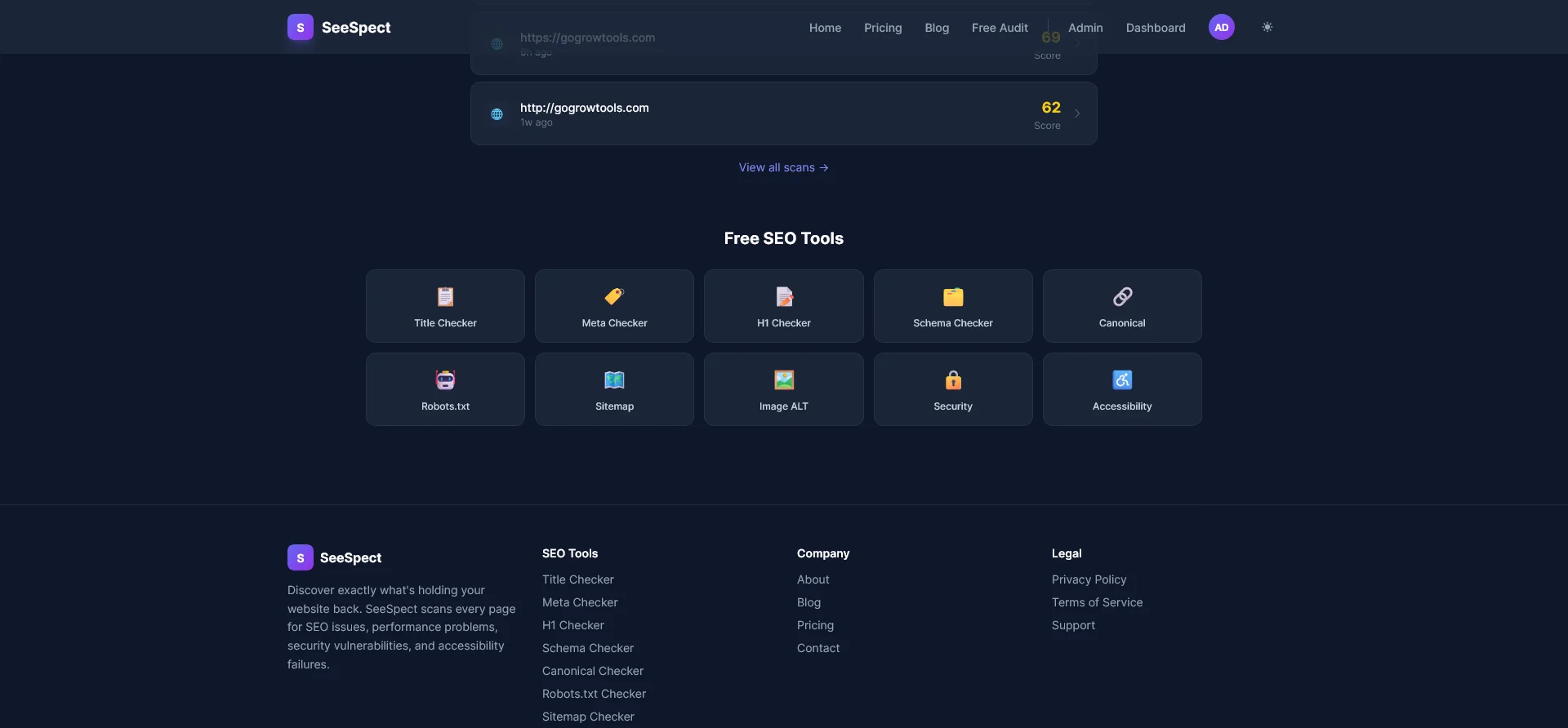
Uncover hidden crawl traps, canonical mismatches, missing meta tags, and accessibility barriers before they impact revenue.
Final Verdict
Who should use this tool?
SeeSpect is ideal for ecommerce managers, agency strategists, web developers, and technical SEO specialists who need a reliable, automated scanner capable of auditing thousands of product URLs, structured data markup, speed bottlenecks, security headers, and accessibility issues without manual overhead.
Overall Rating: 4.9 / 5
Frequently Asked Questions
How often should an ecommerce website perform an SEO audit?
Large ecommerce websites should run automated technical SEO audits weekly or monthly to catch broken internal links, sitemap discrepancies, and parameter indexation leaks immediately after new product line drops or CMS updates.
What are the most common technical SEO issues on ecommerce sites?
The most frequent technical issues include duplicate content generated by faceted filter URLs, missing canonical tags on product variant pages, broken sitemap entries for out-of-stock inventory, and missing Product schema attributes.
How does faceted navigation harm ecommerce organic rankings?
Faceted navigation creates multiple unique URLs for identical product sets by combining filter parameters (like color, material, and price). Without canonical tag consolidation or robots directives, search bots spend valuable crawl budget indexing low-quality variant pages.
Can structured data schema boost ecommerce search traffic?
Yes. Valid Product and Offer schema markup enables rich snippets in Google search results, displaying price points, star ratings, and stock status directly on SERPs. This improves listing visibility and drives higher click-through rates.
Audit Your Entire Ecommerce Catalog in Minutes
Scan your website for technical errors, canonical conflicts, schema gaps, and performance speed bottlenecks today.
Get SeeSpect →Instant setup. Deep technical crawling for stores of any size.