How to Audit a Website for SEO in 15 Minutes: A Practical Checklist
Start with evidence: Run a free SeeSpect audit first, then use this checklist to interpret the highest-priority findings. The free plan covers 2 scans a day and up to 5 pages per scan.
A website can look polished and still hide problems that make it harder for search engines to understand, crawl and trust. The good news is that you do not need to begin with a month-long project. A focused 15-minute review can reveal the highest-priority issues and tell you where a deeper audit is justified.
This checklist works for business websites, portfolios, ecommerce stores and early-stage SaaS products. It starts with the signals visitors and search engines encounter first, then moves into page-level evidence.
Before you begin: audit the site that users actually reach
Start with the public domain, such as example.com, and follow its redirects. The final address should normally use HTTPS and settle on one consistent hostname. A correct audit should evaluate that final page rather than treating the originally entered address as the page users see.
Open the homepage in a private browser window and answer three questions:
- Does it load without a security warning?
- Does the address settle on one HTTPS URL?
- Can a new visitor understand the business and the next action within a few seconds?
If the site redirects correctly, continue with the HTTPS version. If it does not, fixing that is more urgent than refining a title tag.
1. Check whether important pages can be discovered
A small website should have a clear path from the homepage to its main services, products or resources. Use the navigation as a visitor would. Important pages should not depend on an internal search box or a complicated chain of links.
Then check two standard discovery files:
- robots.txt at
/robots.txt, which can restrict crawling. - XML sitemap, commonly at
/sitemap.xml, which lists URLs the site wants search engines to discover.
A sitemap does not guarantee indexing, and robots.txt is not a way to remove private information from the web. These files help crawlers navigate the site; they do not replace strong internal links or access controls.
2. Review the title and meta description
The page title is one of the clearest summaries of a page. Every important page should have a specific title that reflects its real subject. Repeating the same broad phrase across the whole site makes it difficult to distinguish one page from another.
For the homepage, check that the title includes the brand and the main offer. For a service or product page, make the page topic more prominent. Avoid stuffing a list of keyword variations into the title.
The meta description should give a useful, accurate reason to visit. Search engines may rewrite it, but a strong description still improves the page's presentation when it is used. Look for descriptions that are missing, duplicated, extremely short or too vague to differentiate the page.
3. Confirm that the page has a clear heading structure
The main heading should identify the page's purpose. Most pages benefit from one clear H1 followed by H2 sections that organize the content. A heading is not just large text; it should describe the section that follows.
During the quick audit, flag:
- A missing H1.
- Several competing H1 headings with no clear primary topic.
- Headings used only for visual styling.
- A page title and H1 that describe completely different subjects.
4. Test the page on a phone-sized screen
Resize the browser or open the site on a phone. Check for horizontal scrolling, text that is difficult to read, buttons that are too close together and navigation that cannot be opened.
Complete one real task: open a service page, add a product, submit a lead form or begin registration. A page can technically be responsive while the main conversion path remains frustrating.
5. Look for obvious speed problems
You do not need to diagnose every performance metric in the first 15 minutes. Start with what a visitor experiences:
- Does the page remain blank for a noticeable period?
- Does the main content move while images or fonts load?
- Are large images downloaded for small cards or thumbnails?
- Do videos, chat widgets or third-party scripts delay interaction?
Large hero images are a common source of slow pages. Images further down the page can often load lazily, while the main above-the-fold image usually needs different treatment. A useful audit should distinguish between them instead of applying the same recommendation to every image.
6. Check image alternative text in context
Informative images need alternative text that communicates their purpose. Decorative images can use empty alternative text when they are correctly marked so assistive technology can ignore them.
Do not judge image accessibility by counting empty alt attributes alone. Review what the image does on the page. A product image, chart or instructional screenshot carries information. A background flourish usually does not.
7. Verify canonical and indexing signals
A canonical URL tells search engines which version of a page is preferred when similar URLs exist. Check that the canonical points to the intended public URL and does not accidentally reference a staging domain, HTTP address or unrelated page.
Also look for a noindex directive. It can be correct on login, account and private report pages. It is a serious problem when added accidentally to an important public landing page. Context matters: the same directive can be correct in one place and harmful in another.
8. Check internal and external links
Click the main navigation and a few calls to action. Broken internal links block visitors and waste crawl paths. External links should lead to the intended destination and use secure URLs when available.
Pay special attention to links inside older articles, footers and reusable templates. One outdated template can create the same broken link across dozens of pages.
9. Review trust and security basics
HTTPS is the baseline, not the entire security review. A quick technical check should also look for browser security headers, mixed content and forms that send information insecurely.
Visitors also need visible trust signals: a clear business identity, contact path, privacy information and accurate claims. These do not replace technical security, but they help users decide whether to continue.
Walkthrough: validate the SeeSpect homepage before changing it
Use SeeSpect itself as a small, reproducible example. On 19 September 2026, the public homepage at https://seespect.com/ returned a 57-character title, an index, follow robots directive, and a self-referencing HTTPS canonical. The affected page is the homepage; the evidence is visible in its HTML, so there is no need to infer a result from a search snippet.
- Finding: the homepage title and canonical were present and aligned with the public URL.
- Interpretation: no change was needed for those signals; a passing check is still evidence worth recording.
- Next check: use the title tag checker, canonical tag checker and image alt text checker on important pages, then recheck after edits.
This is the useful pattern to copy: record the URL, the exact evidence, the affected scope, the proposed fix and the verification result. Do not report a ranking gain unless you have measured it.
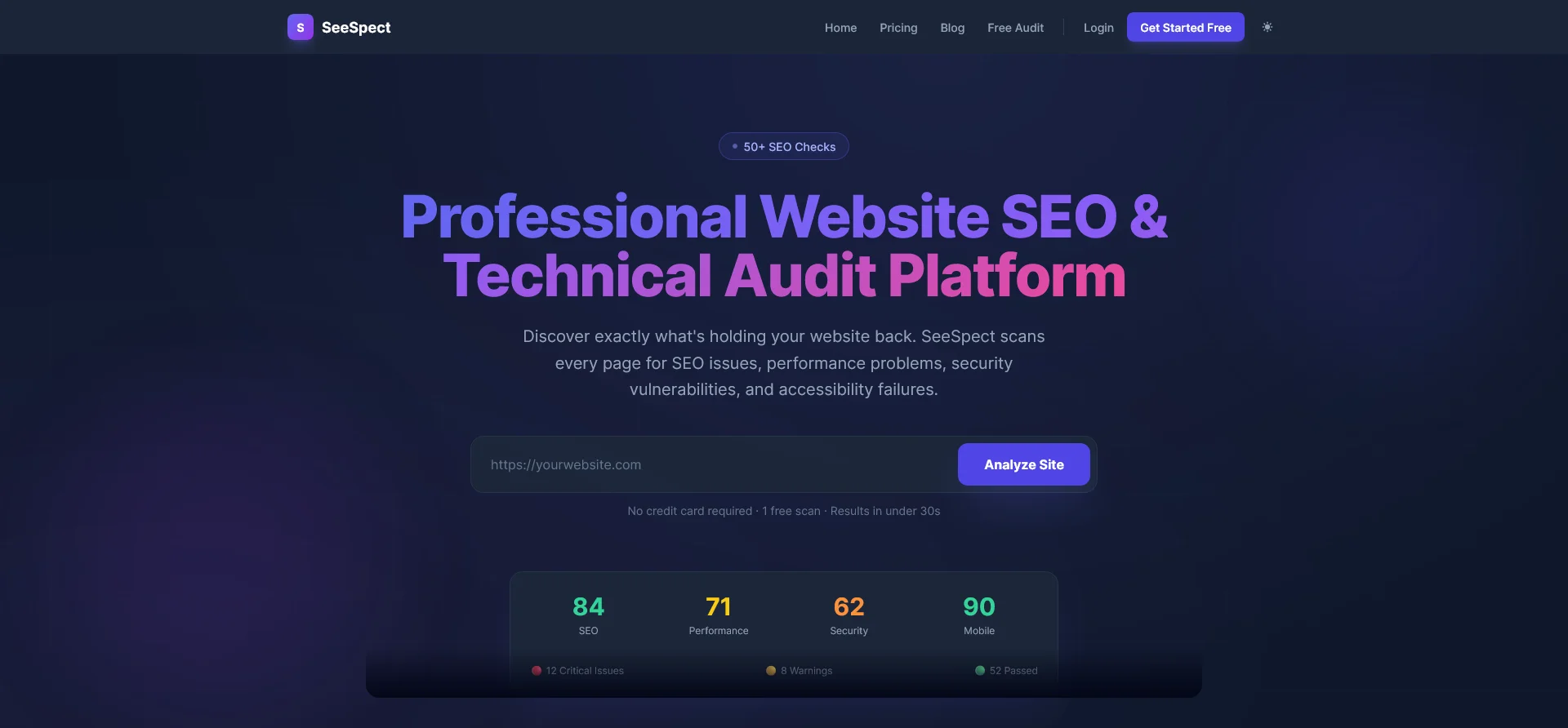
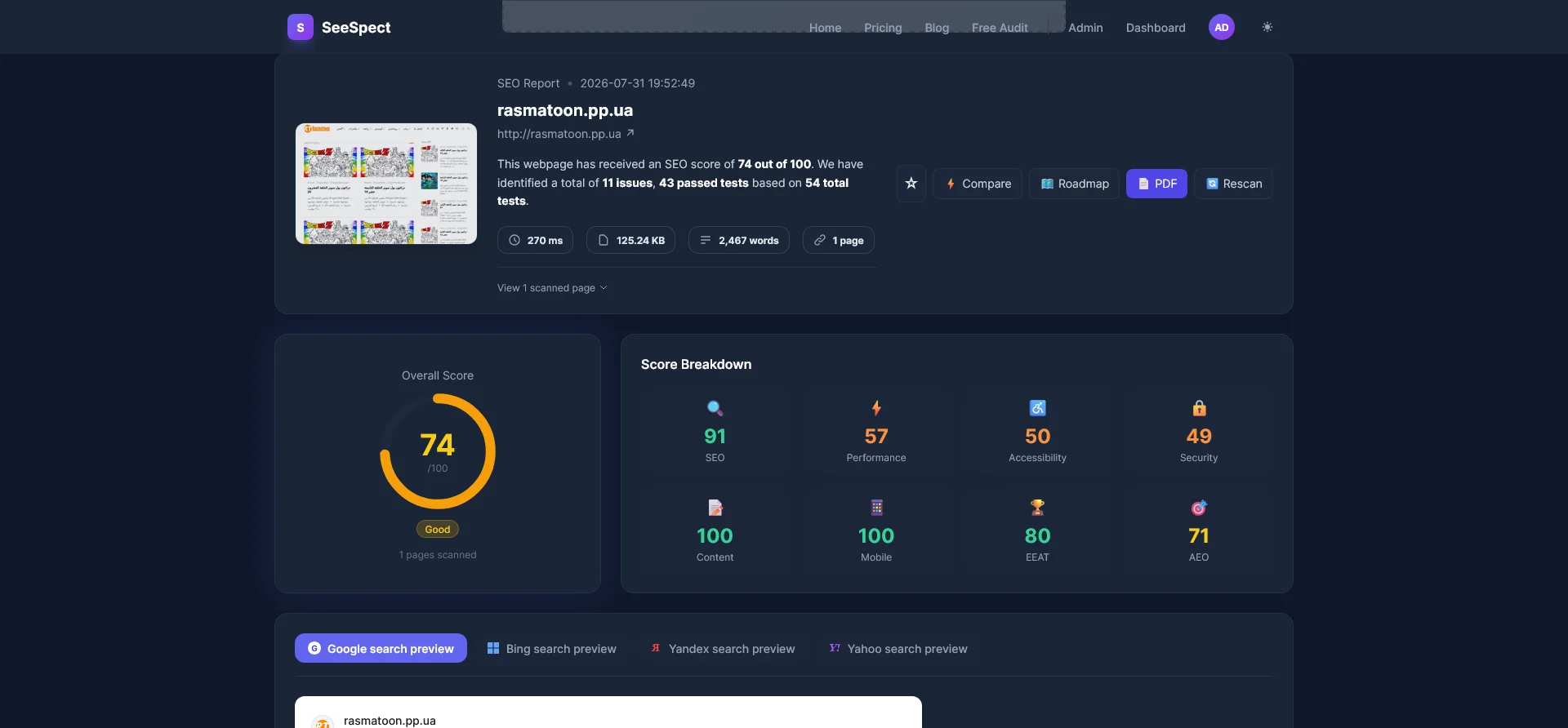
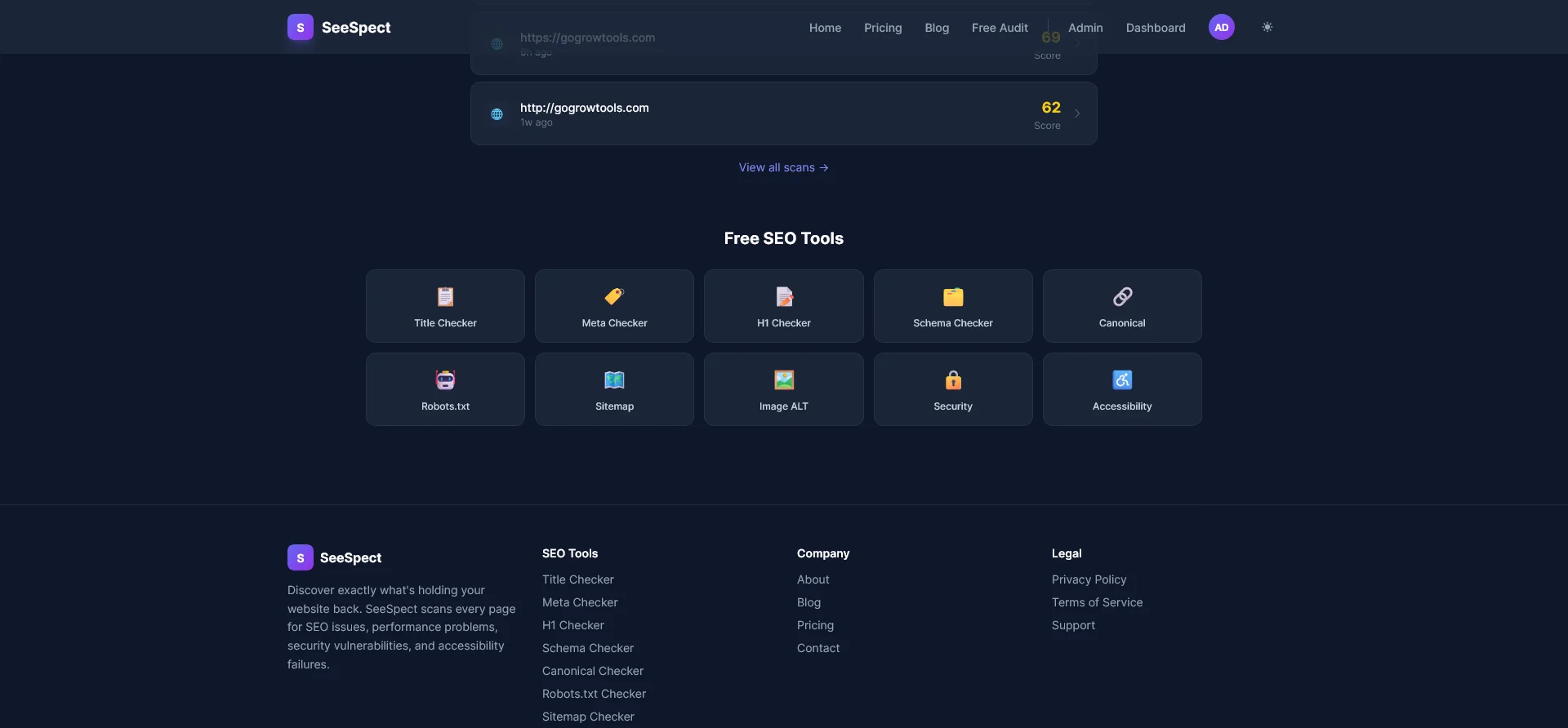
Evidence note: Screenshots below are public test examples; use the same evidence pattern on a site you own or have permission to audit.
10. Turn findings into a prioritized action list
A useful audit does more than produce a long list. For every finding, record:
- Severity: How much can this affect discovery, usability, trust or conversion?
- Affected pages: Is it one page, a template or the entire site?
- Evidence: What was detected on each affected URL?
- Recommendation: What specific change should be made?
Fix site-wide critical problems first, then issues on valuable pages, then lower-impact improvements. This prevents teams from spending hours polishing a minor description while an indexing or HTTPS problem affects the whole site.
Run the checklist automatically with SeeSpect
Manual checks are valuable because they show how the website feels to a person. Automation makes the review repeatable and helps find the same issue across multiple pages.
SeeSpect audits SEO, technical, performance, accessibility, security and content signals. Its reports prioritize findings and show the affected pages so you can move from a warning to the exact URLs that need attention.
Run a free website audit with SeeSpect. No credit card is required.
Frequently asked questions
Is a 15-minute SEO audit enough?
It is enough to identify obvious high-priority problems and decide where to investigate next. Large sites, competitive research, content quality and complex technical problems require a deeper review.
How often should a website be audited?
Audit after a redesign, migration or major release, and check important sites regularly for regressions. The right frequency depends on how often the website changes and how valuable organic traffic is to the business.
Should every audit warning be fixed?
No. Review the page context, severity and evidence. Some signals are expected on private pages, and some recommendations have little impact on a particular business. Prioritization is part of the audit.
Can an automated audit replace an SEO specialist?
An automated audit is strong at consistent technical checks across many pages. Strategy, search intent, content judgment, competitive positioning and business prioritization still benefit from experienced human review.